

Android
is most popular operating system in world, because there is always an
app on playstore for perfoming any task in Android. Yes, and thats why
this is most lovable operating system amongs evryone.

Mobile phone security now days has become one of the major part for people, while protecting your phone from theft, everybody is concerned about important personal information in phone which is more important than anything sometimes.
And in this case you can use Applocks to lock your apps. An app
locker for Android can provide utmost security from unwanted access.
Although some devices come with a built-in app locker, most Android
devices don’t. Thankfully, there is no shortage of apps locker for
Android in the Play Store.
Using an App Locker is the best way to keep your Apps and its content safe from getting into wrong hands. You surely don’t want those private chats and secret images to be seen by someone else.
In this post i am going to suggest you Top 5 Best applocks for Android which will help you in keeping your smartphone data safe from others.
This is most oldest and most popular app locker fro android with more
than 350 million downloads on playstore. By using Applock Application
you can lock your siocial media applications like facebook & whatsapp also you can lock your call, messages, gallery, calculator by using this app lock.
f you are looking for a complete package of features in an app locker then AppLock is the best app locker app to go for. One of the unique features it provides is that you can set a specific setting like WiFi/Bluetooth to set at a specific state (on/off). No one can change the state without adding the passcode. You can also prevent others from picking up incoming calls, access settings of your phone, access Google play store and private notifications. and thats why i believe this is one of the Best applocks for Android . One more feature of this application which i love is you can also hide applock icon so Nobody can find which applock you are using.
Features :-
yes, it is one of the best app locker for android Due
to its amazing feature. IOBit applock is one of the most loved app in
this segment, it has tons of attractive features that is no less than
any paid apps can have. It supports maximum of 13 Languages. IOBit
applock Face Lock and unlock apps easy and fast without password.
You can not only lock and unlock apps but also your phone’s screen with your Facelock, Finger Print Lock, PIN and Pattern Lock. It also snap a selfie who tried to unlock your apps with Intruder Selfie and Email the snooper’s photo to you immediately. Generally face unlocking features comes with only flagship phone or any paid app but Iobit is free App locker and it supports face unlocks. This features makes it Best applocks for android 2018 .
Features :-
App Locker is yet another free app which allows you to protect app with password or PIN. If your mobile has a fingerprint scanner and Android version 6.0 (Marshmallow) then finger print app lock method will also work.
i have included this app locker in my best app locker for android because of some of its amazing feature. AppLock allows you to lock apps like gallery , message apps , social apps and email apps with fingerprint , pin , pattern and crash screen.
If someone tries to open locked apps with wrong password , AppLock will capture the pictuer of intruder from front camera and show you when you open AppLock. best app lock download
Features :-
CM Locker Lock your phone’s screen, apps, photos and contacts to secure your privacy. Anti-Theft Protection can help you locate your lost phone, remotely lock it and enable its siren. The Intruder Selfie function snaps photos of intruders who enters the wrong password. Download CM Locker and get awesome HD Wallpapers and Theme for FREE! Best app lock download
Very often we share our smartphone with others, at that time our privacy can be at risk, so you can use the App locker app that helps to protect your apps with a password. You can easily protect apps like Whatsapp, Messenger, Browser, and Gallery etc.
Features :
This is another Best applocks for Android which support facial recognisation and voice recognition. AppLock by Sensory, the leader in advanced face and voice biometrics technologies, makes it easy to lock the apps on your phone or tablet that you want to keep private. AppLock ensures that only you can access your personal information, social media apps, and financial accounts, or make changes to the phone’s settings. Your face and voice are the biometric keys that unlock your apps, so you (and only you) can access them.

Mobile phone security now days has become one of the major part for people, while protecting your phone from theft, everybody is concerned about important personal information in phone which is more important than anything sometimes.
Using an App Locker is the best way to keep your Apps and its content safe from getting into wrong hands. You surely don’t want those private chats and secret images to be seen by someone else.
In this post i am going to suggest you Top 5 Best applocks for Android which will help you in keeping your smartphone data safe from others.
Best Applocks for Android
#1. AppLock
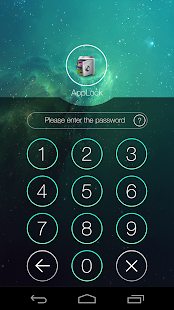
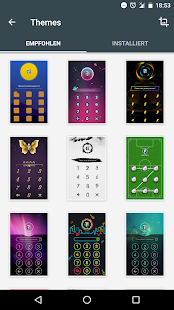
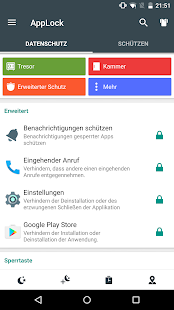
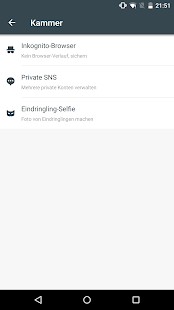
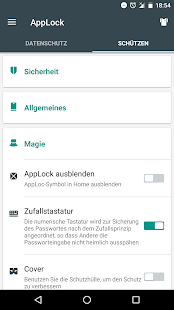
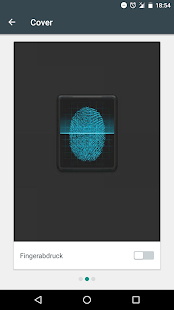
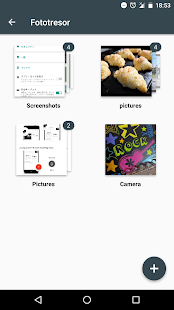
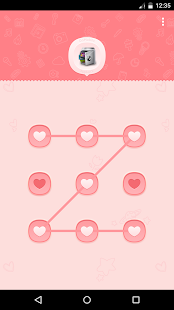
f you are looking for a complete package of features in an app locker then AppLock is the best app locker app to go for. One of the unique features it provides is that you can set a specific setting like WiFi/Bluetooth to set at a specific state (on/off). No one can change the state without adding the passcode. You can also prevent others from picking up incoming calls, access settings of your phone, access Google play store and private notifications. and thats why i believe this is one of the Best applocks for Android . One more feature of this application which i love is you can also hide applock icon so Nobody can find which applock you are using.
Features :-
- Lock apps with password, pattern, or fingerprint lock.
- Vault: hide pictures and videos
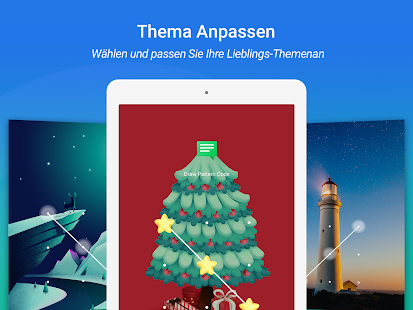
- Well-designed Themes
- Time Lock: auto-lock/unlock according to time
- Advanced Protection: prevent AppLock being killed by task killer
- Hide AppLock icon
- Lock switch (WiFi, Bluetooth, mobile data, sync)
- Lock incoming calls
- Prevent uninstalling apps
- Quick lock switch: Lock/unlock in notification bar
#2. IObit Applock
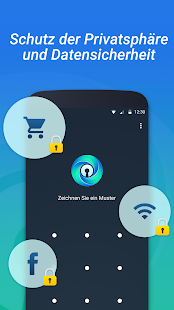
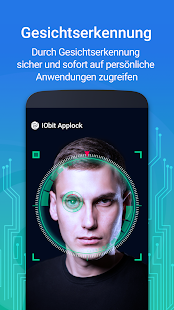
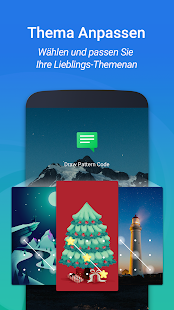
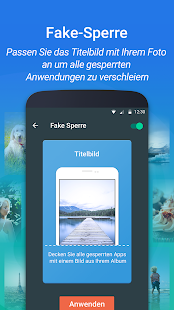
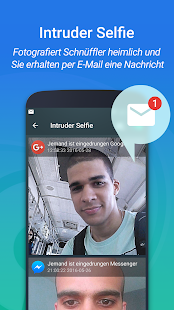
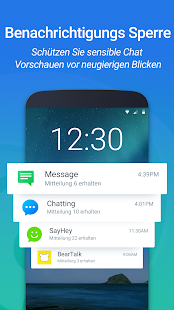
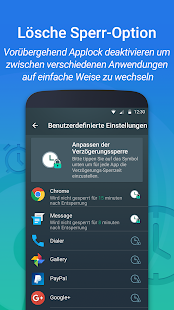
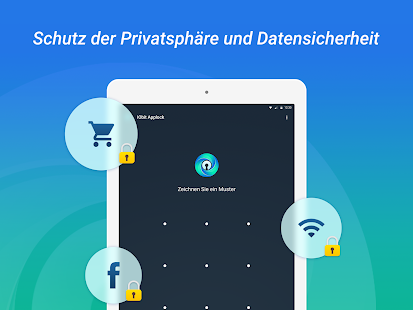

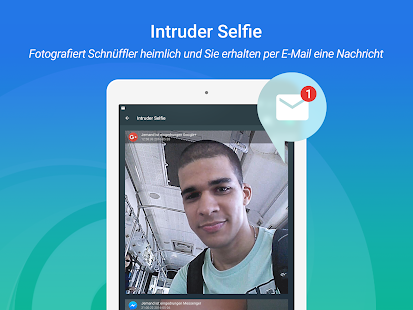
You can not only lock and unlock apps but also your phone’s screen with your Facelock, Finger Print Lock, PIN and Pattern Lock. It also snap a selfie who tried to unlock your apps with Intruder Selfie and Email the snooper’s photo to you immediately. Generally face unlocking features comes with only flagship phone or any paid app but Iobit is free App locker and it supports face unlocks. This features makes it Best applocks for android 2018 .
Features :-
- Lock system settings, switches and any private app
- Face Lock and unlock apps easy and fast without password
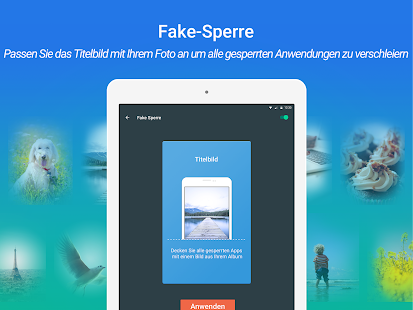
- Fake Lock disguises the lock screen with fun covers
- Fingerprint Lock for more secure lock and fast unlock
- Screen Lock locks your device screen
- Hide private content from notification
- Catch snooper’s photo and notify by email
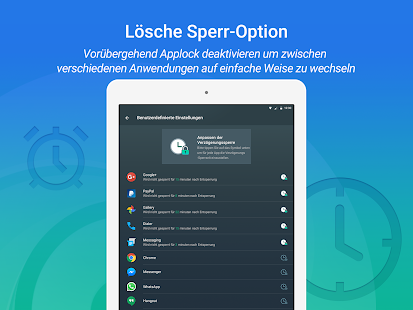
- Customized Delay Lock to avoid frequently unlock
#3. App Locker : Fingerprint

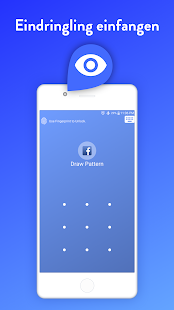
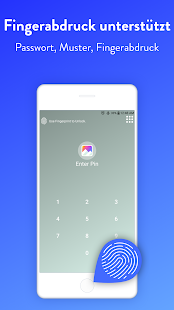
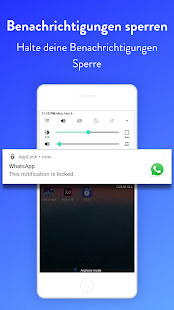
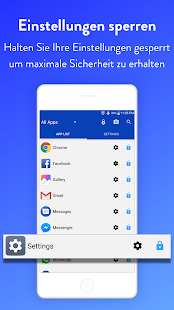
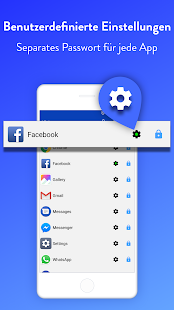
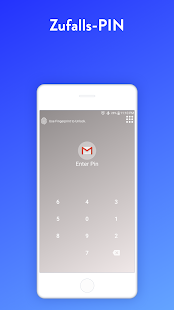
App Locker is yet another free app which allows you to protect app with password or PIN. If your mobile has a fingerprint scanner and Android version 6.0 (Marshmallow) then finger print app lock method will also work.
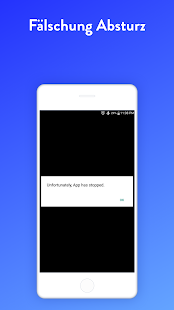
i have included this app locker in my best app locker for android because of some of its amazing feature. AppLock allows you to lock apps like gallery , message apps , social apps and email apps with fingerprint , pin , pattern and crash screen.
If someone tries to open locked apps with wrong password , AppLock will capture the pictuer of intruder from front camera and show you when you open AppLock. best app lock download
Features :-
- Capture Intruder Picture
- Lock Recent Apps
- Use separate combination of locking methods with different pin or pattern for a specific apps.
- Use fingerprint as secondary , or use only fingerprint to un-lock apps.
- you can to re-lock apps after some time [1-60] minuets , immediately or after screen off.
- lock screen changes color according to the app that you locked , every time when lock screen appears you will experience AppLock differently.
#4. App Locker(CM Locker)
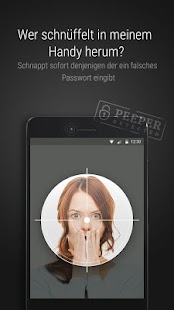
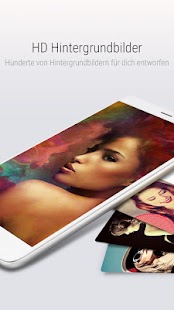
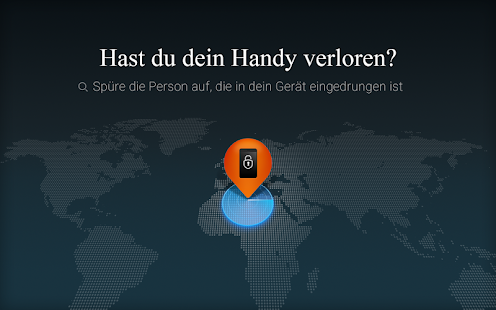
CM Locker Lock your phone’s screen, apps, photos and contacts to secure your privacy. Anti-Theft Protection can help you locate your lost phone, remotely lock it and enable its siren. The Intruder Selfie function snaps photos of intruders who enters the wrong password. Download CM Locker and get awesome HD Wallpapers and Theme for FREE! Best app lock download
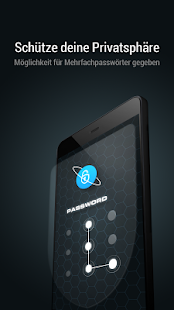
Very often we share our smartphone with others, at that time our privacy can be at risk, so you can use the App locker app that helps to protect your apps with a password. You can easily protect apps like Whatsapp, Messenger, Browser, and Gallery etc.
Features :
- Snaps photos of intruders who enters the wrong lockscreen & applock password.
- Link CM Locker with your Facebook account to remotely lock and locate your device or set off its siren for privacy security.
- Access to new messages instantly on lockscreen.
- User friendly – Slide lock screen to browse the latest news headlines.
- Control music playback with one hand directly on Lockscreen.
- Snap photos fast, never miss that perfect moment!.
#5. AppLock Face/Voice Recognition
This is another Best applocks for Android which support facial recognisation and voice recognition. AppLock by Sensory, the leader in advanced face and voice biometrics technologies, makes it easy to lock the apps on your phone or tablet that you want to keep private. AppLock ensures that only you can access your personal information, social media apps, and financial accounts, or make changes to the phone’s settings. Your face and voice are the biometric keys that unlock your apps, so you (and only you) can access them.

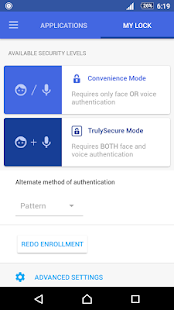
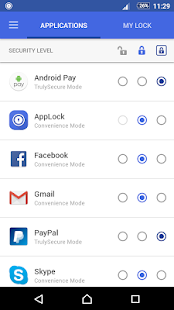
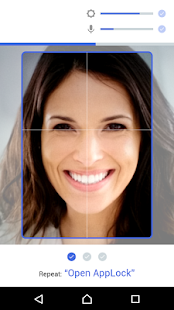
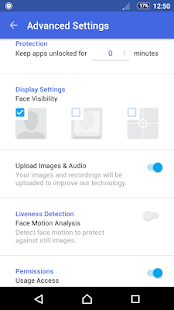
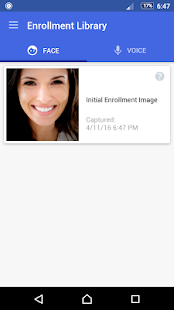
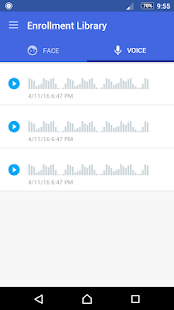
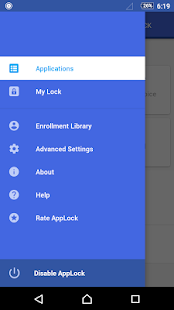
This AppLock Face/Voice Recognition Android app is a new in Google
Play Store but has some very interesting features, it has a simple and
fast setup. best app lock download
Whenever you open any Protected/Locked app then AppLock will open a
window looking for your face while listening for your voice to say your
secret unlock phrase. When it verifies your face or voice (or both),
your locked app will open immediately.
Feature :-
- Fast and Simple Setup.
- This applocks support face recognition.
- This app locker also support voice recognition.
- AppLock is 100% free and 100% ad-free.


